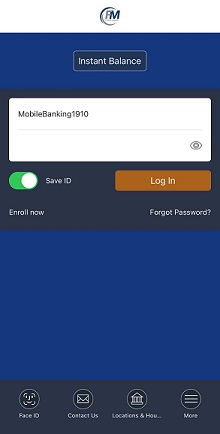
Online Banking Enrollment:
- Click "Online Banking"
- Click "Enroll now"
- Enter the requested information and click "Enroll"
- After reading the Terms & Conditions, click "I Agree"
- Set up your username, password, & challenge questions
- Once logged in, you can select to Enroll (or Decline) in F&M Mobile
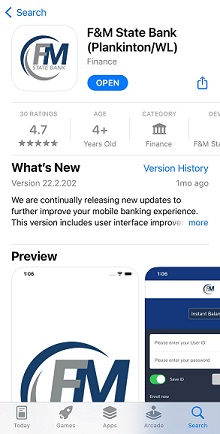
F&M Mobile Enrollment:
Within your online banking, opt to receive a text message with a link to the app or download it directly from your app store by searching: "F&M State Bank (Plankinton/WL)"
Mobile Deposit Tips:
- Keep the check within the view finder on the camera screen when capturing your photos.
- Take the photos of your check in a well-lit area.
- Place the check on solid dark background before taking the photo of it.
- Keep your phone flat and steady above the check when taking your photos.
- Hold the camera as square to the check as possible to reduce corner to corner skew.
- Try not to get too much of the areas surrounding the check, but get all four corners
- Try not to get shadows across the check
- Make sure that the entire check image is visible and in focus before submitting your deposit